
Is your small business website secure? A 5 minute checkup
You do not need to be technical to know whether your website is secure. You need to know what to look for. This is a five minute checkup you can run today, on your own site, with nothing but a browser.
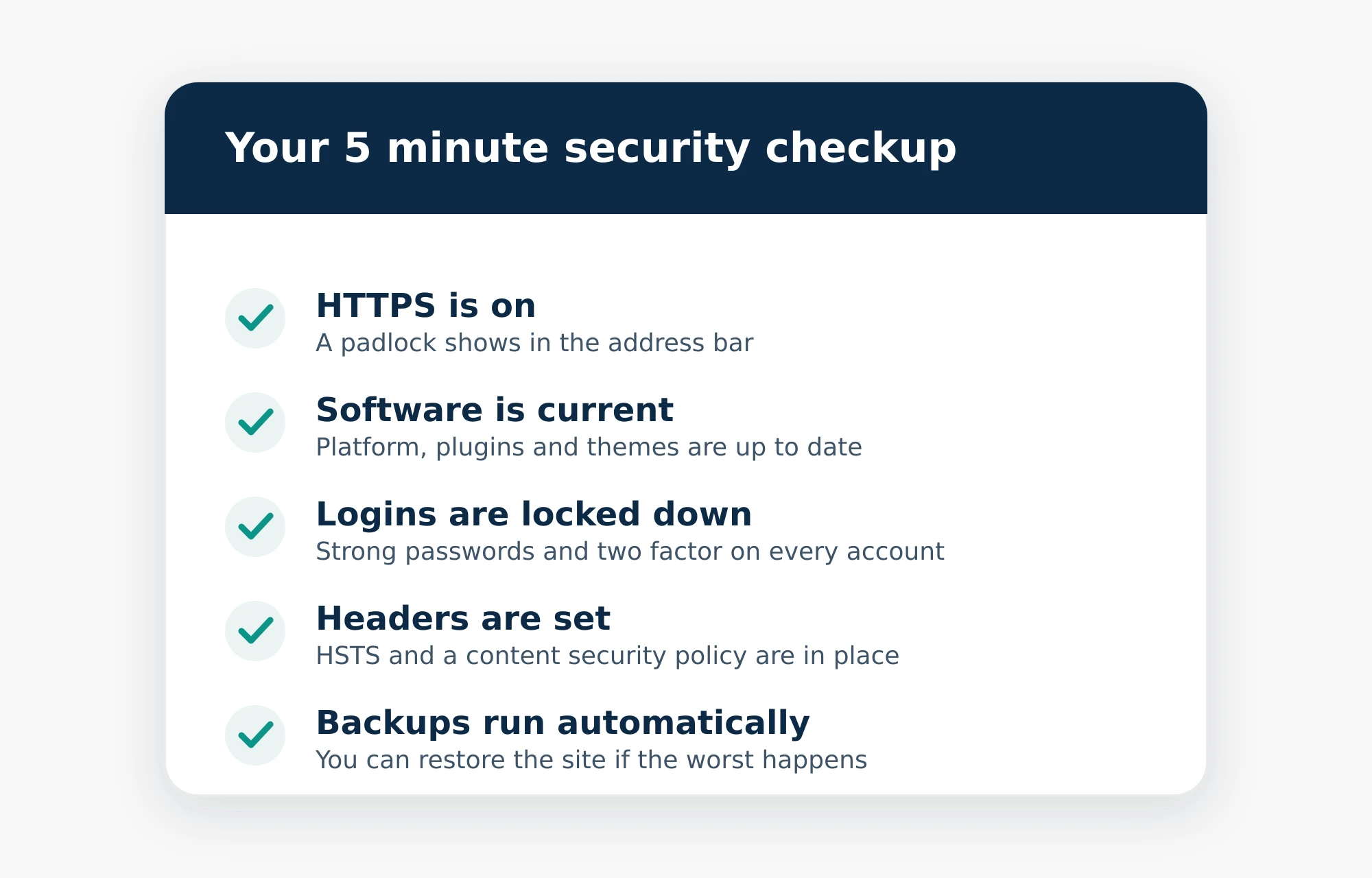
Work through the five checks below. Each one tells you what to look at, what a healthy result looks like, and what to do if it is missing.
1. Look for the padlock
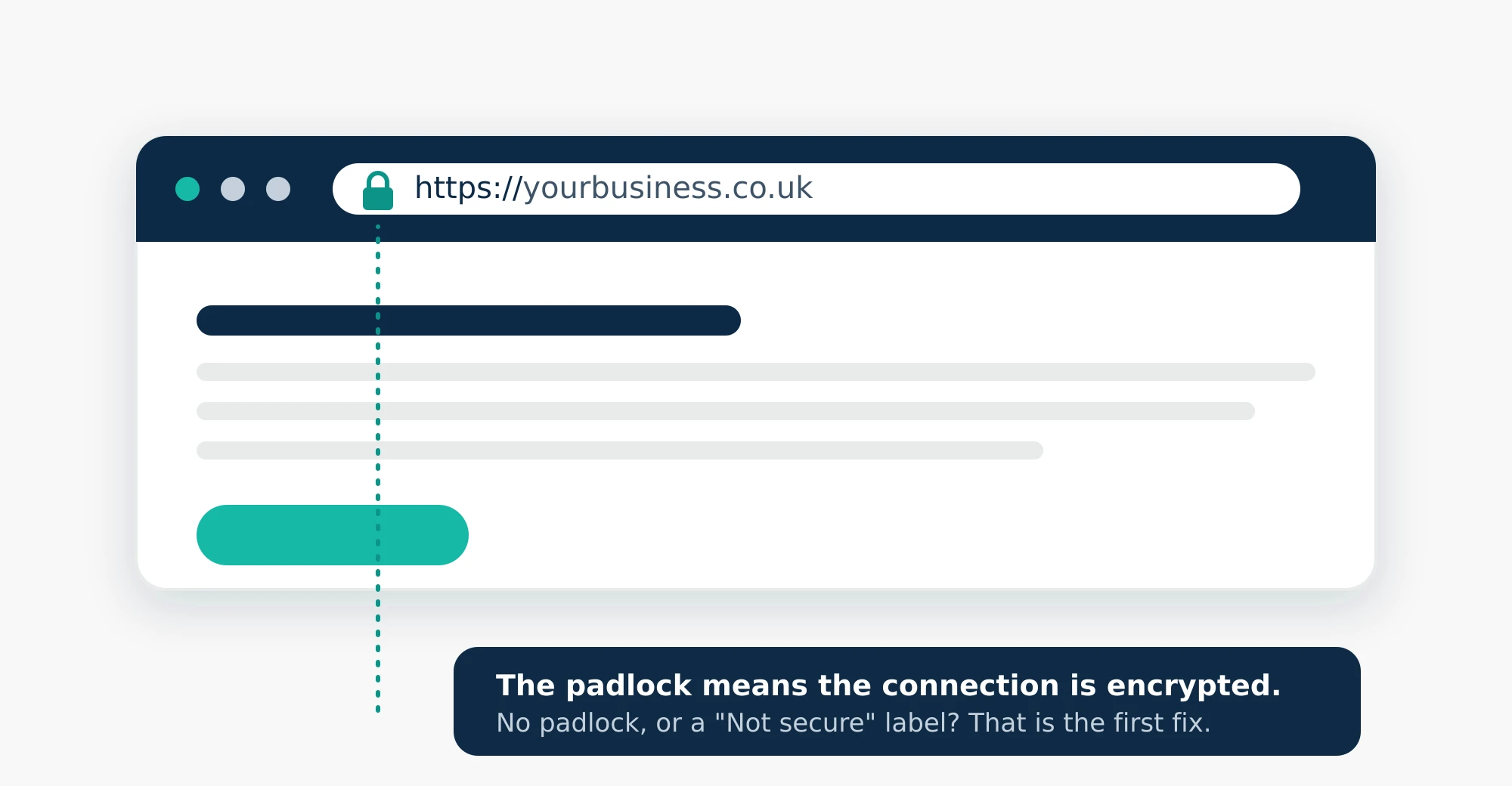
Open your website and look at the address bar. You want two things: the address starts with https://, and a small padlock sits next to it. That padlock means the connection between your visitor and your site is encrypted, so nobody can read or tamper with what passes between them.
If you see “Not secure” instead, or the address starts with http:// with no padlock, fix that first. It is the single most visible security signal on the web. Visitors see the warning, and so does Google, which has said for years that HTTPS is a ranking signal (Google Search Central). A missing padlock costs you trust and search visibility at the same time.
The good news: a certificate that turns on HTTPS is free and standard. If yours is missing, your host or web partner can switch it on quickly.
2. Check your software is current
Most small business sites run on a platform like WordPress, plus a theme and a handful of plugins. Every one of those is software, and out-of-date software is the most common way a small site gets hacked. Attackers scan for known weaknesses in old versions, then walk in.
Log in to your admin area and look for update notices. If the platform, theme, or plugins are flagging updates you have been putting off, that is your to-do list. Better still, have updates applied for you on a schedule so you never fall behind.
If your site is a static build with no plugins, like the ones we ship, there is far less to keep patched. That is the point: fewer moving parts means a smaller target.
3. Lock down who can log in
Ask yourself a simple question: who can log in to your website, and does each of them still need to? Old accounts for a former staff member or a freelancer you worked with once are open doors.
Three habits close them:
- Give every account a strong, unique password. A password manager makes this painless.
- Turn on two factor authentication so a stolen password alone is not enough to get in.
- Remove accounts the moment someone no longer needs them.
You want the shortest possible list of people who can change your site, and every one of them protected by more than a password.
4. Make sure the security headers are set
This is the one check you cannot see in the address bar, so it gets skipped the most. Security headers are short instructions your site sends to the browser that switch on extra protections. A content security policy limits what code is allowed to run, which blocks a whole class of attacks. HSTS forces every visit to use the encrypted connection. Others stop your pages being framed by a scammer or having their content type guessed.
You do not set these by hand every time. They belong in your site’s configuration once, then they protect every page. If you are not sure whether yours are in place, a free scanner like Mozilla Observatory will grade your site in seconds and tell you what is missing.
Every site we build ships with these headers on from day one, because a hardened baseline should not be an upsell.
5. Confirm your backups actually run
Security is not only about keeping attackers out. It is about getting back on your feet fast if something goes wrong, whether that is a hack, a bad update, or a simple human mistake.
You want automatic backups that run on a schedule, store a copy somewhere separate from the live site, and, most important, can actually be restored. A backup you have never tested is a guess. Find out where your backups live and how you would restore one before you need to.
What to do next
Run the five checks. If every one passes, your site is in good shape, and a quick monthly re-check keeps it there. If one or two came up short, you now know exactly where the gap is and how to close it.
Want a second pair of eyes? We run this checkup, fix what it finds, and keep your site hardened and up to date every month, all explained in plain English. Get in touch and we will take a look.